To set up your router for fiber internet quickly, connect the router to your fiber modem, access the router's settings via a web browser, and input the provided ISP credentials. Make sure to update the firmware, configure Wi-Fi security, and customize your network name for. However, setting up a fiber optic connection to your router can seem daunting if you're unfamiliar with the process. This comprehensive guide combines industry standards with field-tested practices to ensure you achieve a rock-solid. Setting up a fiber internet connection requires understanding key hardware components and following a specific connection sequence to establish your home network. Here's a simple guide to help you through the process: 1.
A leased line is a private telecommunications circuit between two or more locations provided according to a commercial contract. It is sometimes also known as a private circuit, private connect, and as a data line. Traditionally, leased lines were used by businesses to connect geographically distant offices for phone and networking. More recently leased lines are used to establish con. HistoryLeased line services (or services) became digital in the 1970s with the conversion of the Bell from analog to digital circuits. This allowed AT&T to offer Dataphone Digital Services (later re-br. Leased lines are used to build up private networks, private telephone networks (by interconnecting ) or access the internet or a partner network (). Here is a review of the leased-line application. In the, leased lines are available at speeds from 64 kbit/s increasing in 64 kbit/s increments to 2.048 Mbit/s over a channelised tail circuit and at speeds between 2.048 Mbit/s to 34.368 Mbit/s via channelised.
[PDF Version]
This guide covers split load vs dual RCD vs RCBO board configurations, circuit arrangement and allocation, BS 7671 labelling requirements, type testing under BS EN 61439, SPD installation, wiring best practice, and the common mistakes found during EICR inspections. MCBs (Miniature Circuit Breakers) protect individual circuits from overcurrent and short circuits. Choosing the right MCB requires considering rated current. Power Distribution Equipment is a term generally used to describe any apparatus used for the generation, transmission, distribution, or control of electrical energy. This section concentrates upon commonly used power distribution equipment: Panelboards, Switchboards, Low-Voltage Motor Control. Done right, it ensures safety, compliance, and long-lasting performance. In this guide, we'll break down everything you need to know to install a distribution box correctly and confidently.
[PDF Version]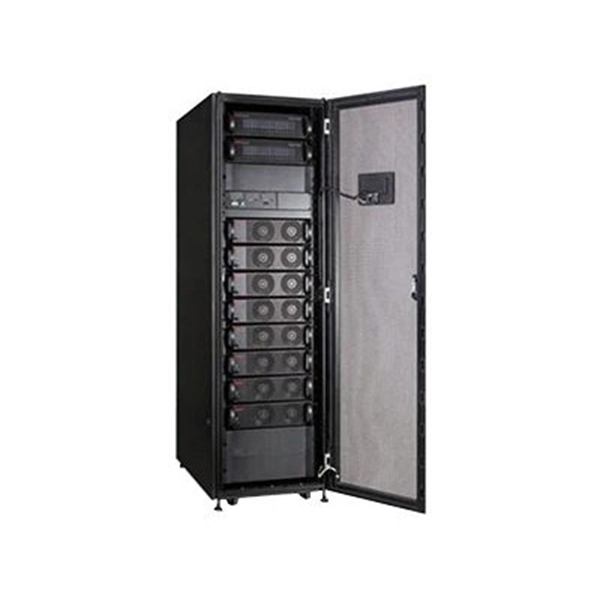
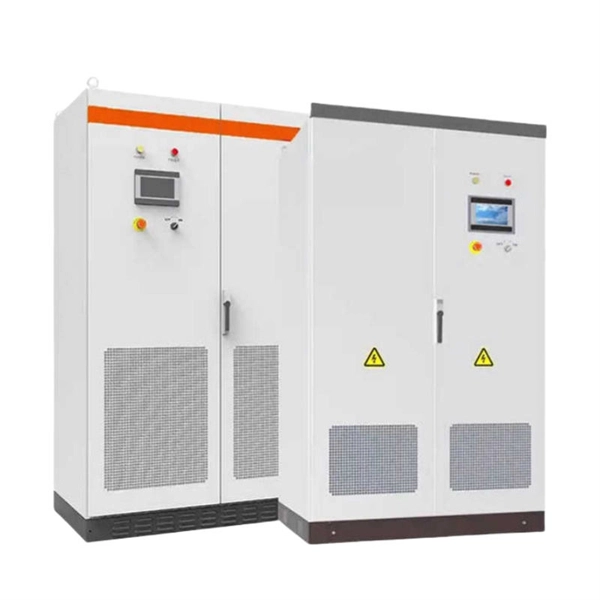
Choose the right box based on environment (indoor/outdoor), load capacity, and durability. Check for proper IP/NEMA ratings and material quality. Power Distribution Equipment is a term generally used to describe any apparatus used for the generation, transmission, distribution, or control of electrical energy. This section concentrates upon commonly used power distribution equipment: Panelboards, Switchboards, Low-Voltage Motor Control. The distribution board configurator from Eaton is a multifaceted, web-based configuration tool for electrical distribution systems from residential construction to small commercial buildings. It helps organize, protect, and control electrical connections in residential, commercial, and industrial electrical systems.
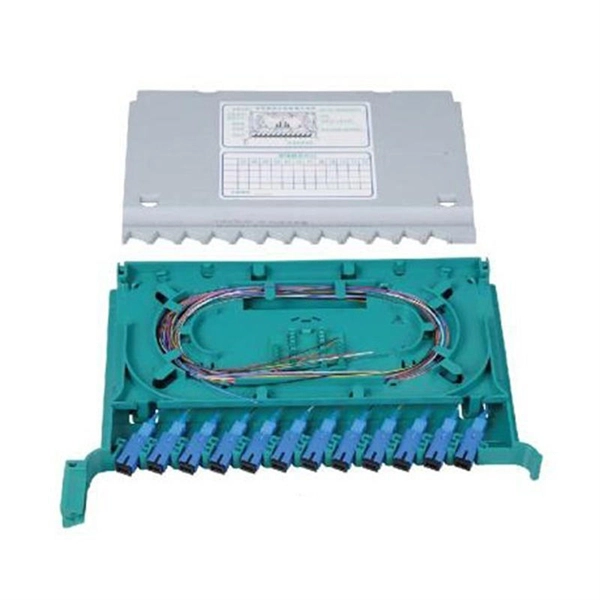
An optical waveguide is a physical structure that guides in the. Common types of optical include waveguides, transparent made of plastic and glass, liquid light guides, and liquid waveguides. Optical waveguides are used as components in or as the transmission medium in local and long-haul systems. They can also be used in.
AN 835: PAM4 Signaling Fundamentals - This application note explains PAM4 theory and its operation. - 2019-03-12ed the high speed serial data industry to make a considerable shift in approach. Simple, baseband, NRZ (non-return to zero) signal modulation techniques are being left behin rate in half by transmitting two bits in each symbol, as indicated by Figure 1. We distinguish the PAM4 bit rate from its. ery aspect of our daily lives. We have come to take for. In this example, we use INTERCONNECT solutions to study the 4-Pulse Amplitude Modulation (PAM) format. The simulation can be set up from a new simulation, starting at. ded within the MP1900A Signal Quality Analyzer-R Op ation Manual. Ensure that you clearly understand the meanings of the symbols BEFORE using the equipment.
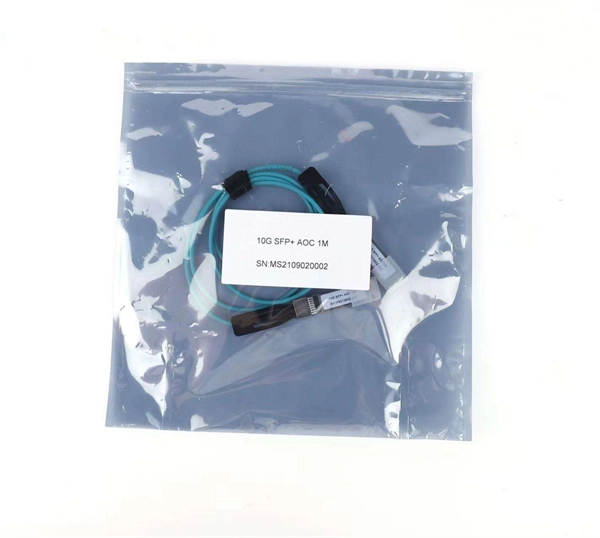
This essential guide covers the difference between SFP, SFP+, and QSFP, explains speed classifications (1G, 10G, 400G), and details key buying factors like DOM and third-party compatibility. What Is an SFP Module and What Role Does It Play in Network. An industrial SFP (Small Form-factor Pluggable) module is specifically designed to address these challenges. Compared with standard commercial transceivers, industrial SFP modules support a wider operating temperature range, reinforced hardware construction, and improved resistance to environmental. CXR SFP modules are based on industrial grade components to deliver higher reliability and to enable extended operating temperature range in any host equipment and integration conditions. SFP modules provide LC connectors. These transceivers support data rates up to 2. 67 Gbps and are widely adopted due to their reliability, low power consumption, and compatibility with a vast array of networking equipment.
[PDF Version]
Once you have a BGA breakout that does not kill your signal integrity, you will have no problem bringing channels out to the optical modules. Simply design to the required differential impedance, minimize tur.
To set up your router for fiber internet quickly, connect the router to your fiber modem, access the router's settings via a web browser, and input the provided ISP credentials. Make sure to update the firmware, configure Wi-Fi security, and customize your network name for optimal performance. After setup, the technician. Fiber to Ethernet media converters adapt between a typical RJ-45 copper Ethernet cable and fiber-optic cable. If your computer detects an Internet connection, you're ready to set up the router. Here's another "seems obvious" step—but one that will save you aggravation when you're in. If you have subscribed to a fiber optic service and want to configure your PC to enjoy the maximum connection speed, this tutorial is for you.
In order to start configuring a switch, you usually use the configure terminal command from privileged EXEC mode to enter global configuration mode. You can make adjustments in this mode that impact the router or switch as a whole. The Cisco IOS user interface is divided into many different modes. The commands available to you depend on which mode you are currently in.
Contact us for competitive quotes on any of our power communication and smart grid products
Get a Quote